Free Shipping on Orders $75+
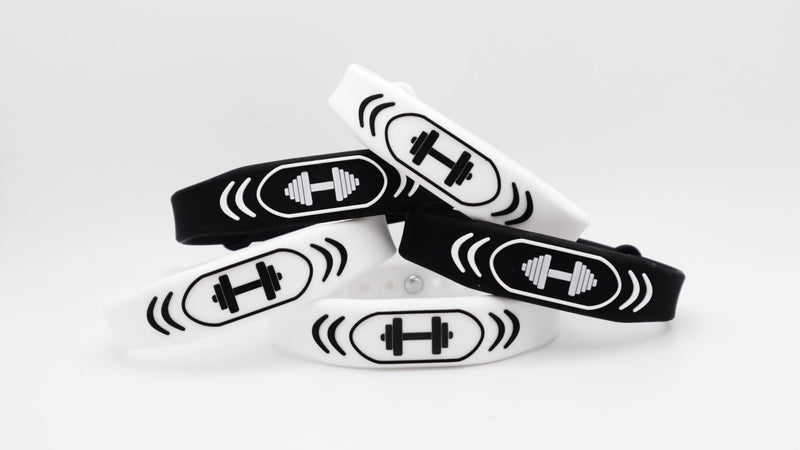
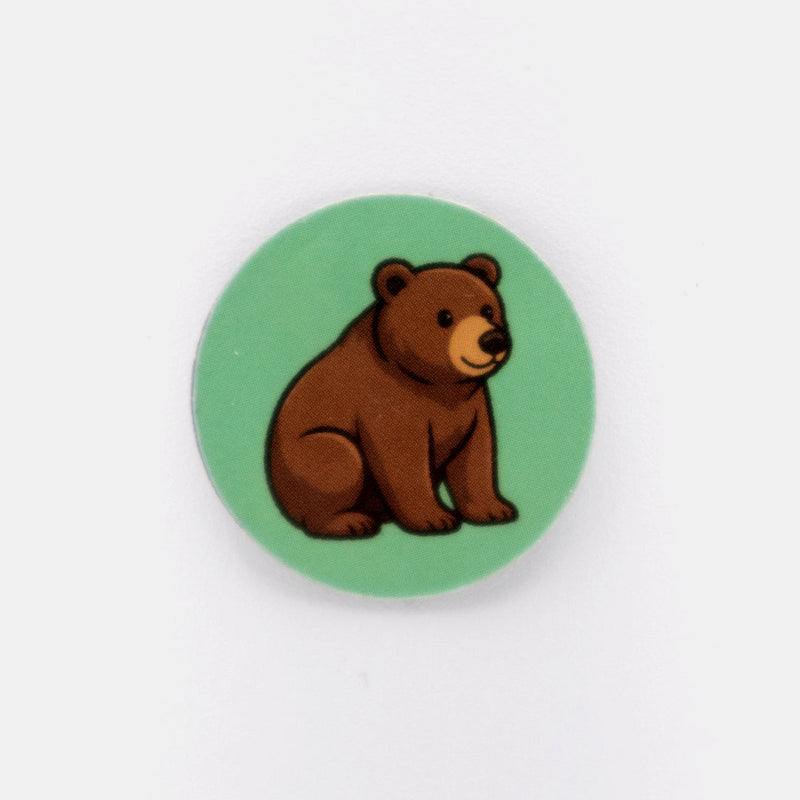
Both the Smart Sticker and Band use NFC (Near Field Communication) technology. It's the same tech behind Apple Pay and tap-to-pay cards.
• Simply hold the back of your smartphone near the sticker or band.
• A link will pop up on your screen, just tap the link to open your personalized digital content.
• It works just like Apple Pay, but there’s no need to double-tap the side button or unlock your wallet.
The Smart Sticker and Band use NFC technology, just like Apple Pay. Hold your phone near them and a link will appear. Tap it to access your personalized digital content.
Nope! That’s the beauty of QR Flask products. Everything works right from your phone with no app required.
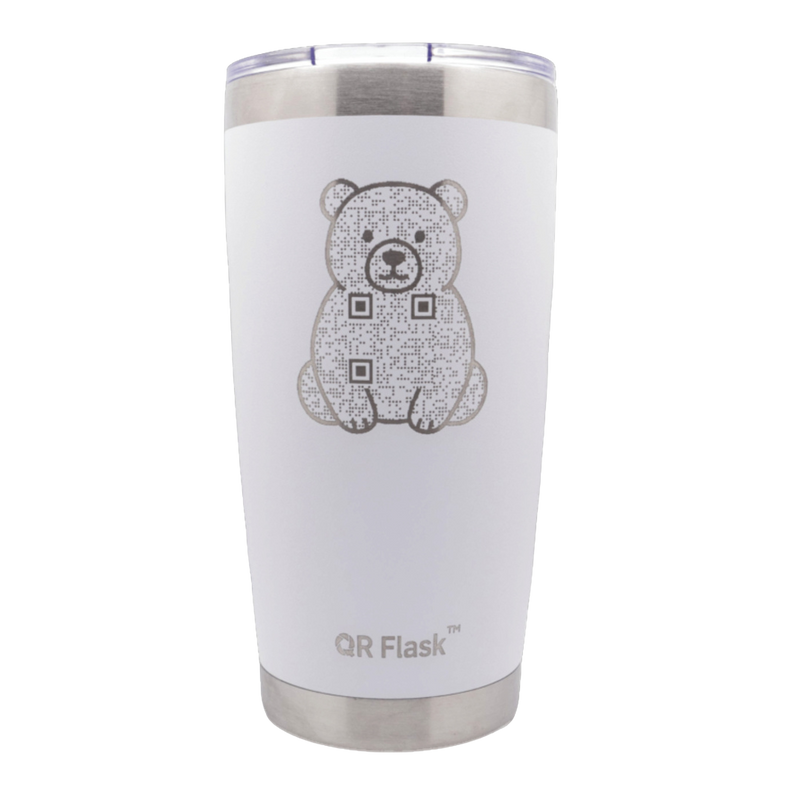
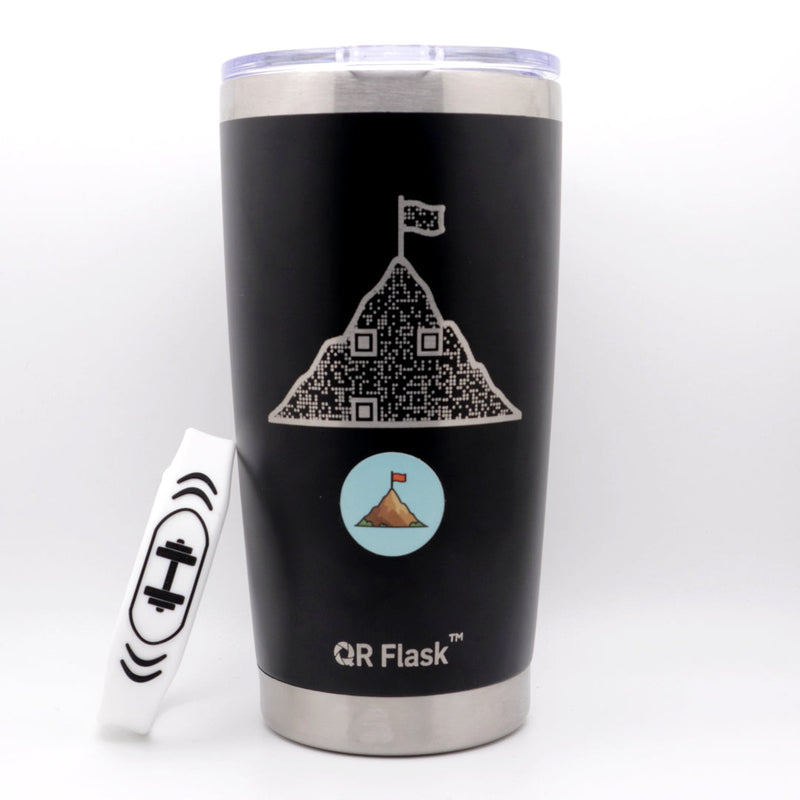
QR Smart Sticker and QR Band use NFC and work with most modern phones. The QR Flask uses a QR code and works with any phone that has a camera.
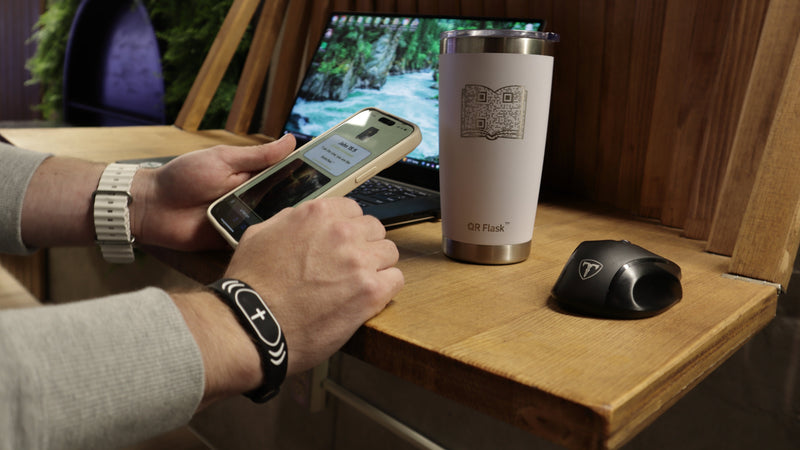
For iPhones, tap the sticker or band near the top back edge. For Androids, tap near the center back. For the QR Flask, point your camera at the code and tap the link.
QR Smart Stickers and Bands are water resistant for everyday use. Bands can be worn in the shower, and stickers are waterproof, scratch resistant, and stick to any surface. The QR Flask is washable and safe to use, with hand washing recommended for long-term care.
If your phone isn’t detecting the sticker, band, or flask, try these quick fixes.
For NFC products (Smart Sticker and Band), make sure NFC is turned on in your settings and move your phone slowly over the NFC area.
For QR products (QR Flask), most phones scan QR codes directly from the camera. If it doesn’t work, enable QR scanning in your camera settings or use a free QR code app.
Still having trouble? Contact us and we’ll be happy to help.
Both the Smart Sticker and Band use NFC (Near Field Communication) technology. It's the same tech behind Apple Pay and tap-to-pay cards.
• Simply hold the back of your smartphone near the sticker or band.
• A link will pop up on your screen, just tap the link to open your personalized digital content.
• It works just like Apple Pay, but there’s no need to double-tap the side button or unlock your wallet.
The Smart Sticker and Band use NFC technology, just like Apple Pay. Hold your phone near them and a link will appear. Tap it to access your personalized digital content.
Nope! That’s the beauty of QR Flask products. Everything works right from your phone with no app required.
QR Smart Sticker and QR Band use NFC and work with most modern phones. The QR Flask uses a QR code and works with any phone that has a camera.
For iPhones, tap the sticker or band near the top back edge. For Androids, tap near the center back. For the QR Flask, point your camera at the code and tap the link.
QR Smart Stickers and Bands are water resistant for everyday use. Bands can be worn in the shower, and stickers are waterproof, scratch resistant, and stick to any surface. The QR Flask is washable and safe to use, with hand washing recommended for long-term care.
If your phone isn’t detecting the sticker, band, or flask, try these quick fixes.
For NFC products (Smart Sticker and Band), make sure NFC is turned on in your settings and move your phone slowly over the NFC area.
For QR products (QR Flask), most phones scan QR codes directly from the camera. If it doesn’t work, enable QR scanning in your camera settings or use a free QR code app.
Still having trouble? Contact us and we’ll be happy to help.