Free Shipping on Orders $75+
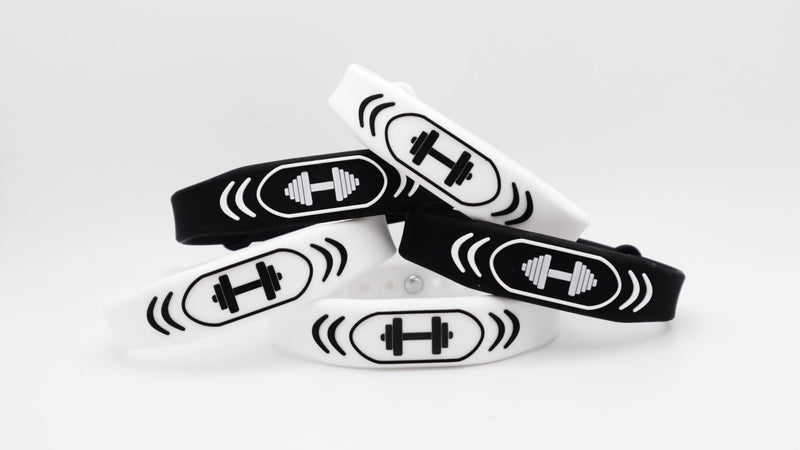
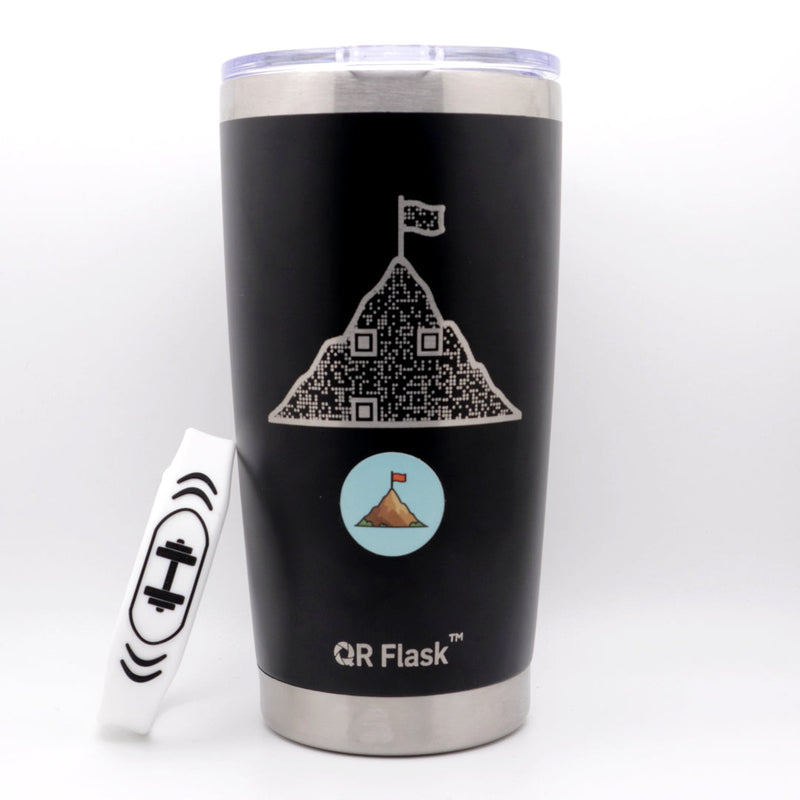
The Smart Trainer Band is your all-in-one digital fitness partner. Each scan delivers a
new workout, supplement tip, and motivational message designed to keep your
progress consistent. It is like having a personal coach on your wrist that refreshes
every day.
Features
• Unlocks daily workouts, supplement tips, and motivation
• Designed to improve strength, consistency, and recovery
• Helps you stay accountable and on track with your goals
Adjustable silicone fits all wrist sizes
Weight: 0.1 lbs
Dimensions: Adjustable wrist size
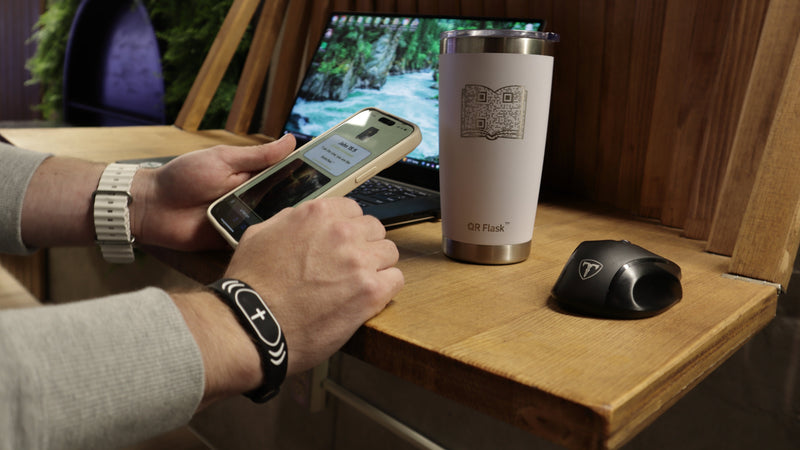
Just hold your phone near them and a link pops up. Tap it, and your special digital content opens right away with no extra steps.
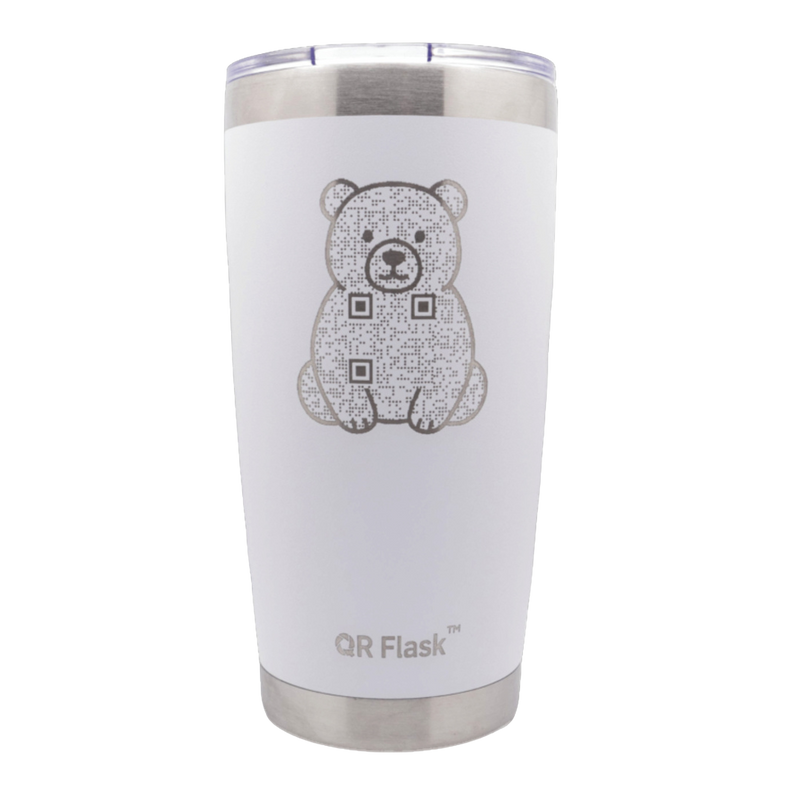
Each QR Flask has a printed QR code. Open your camera, scan the code, and tap the link to view your daily digital content on any smartphone.
Nope. That’s the beauty of QR Flask products. Everything works right from your phone with no extra apps or logins required.
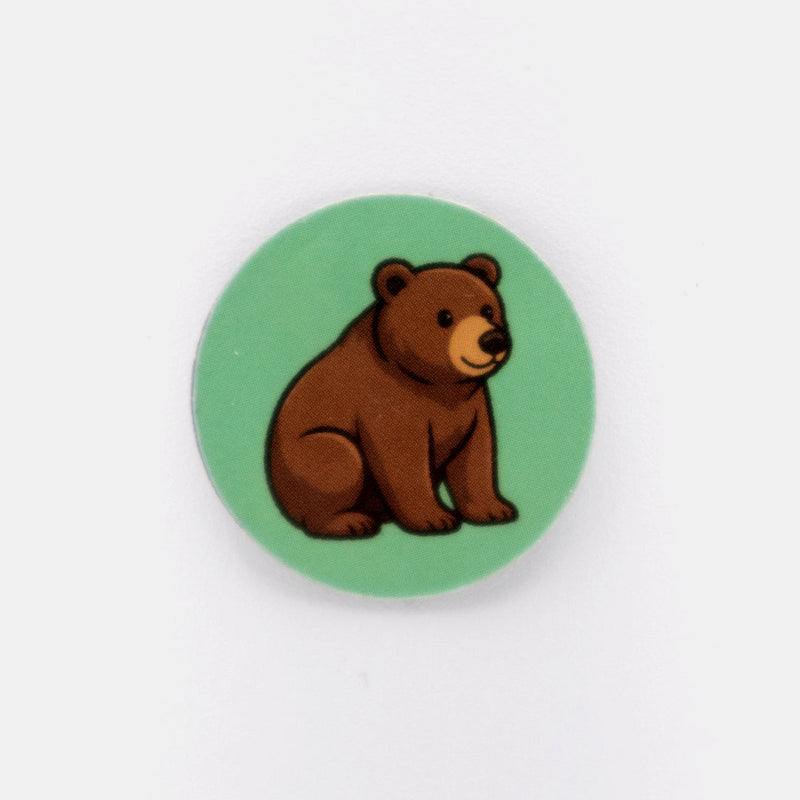
QR Smart Sticker and QR Band use NFC and work with most modern phones, so you can tap and go almost anywhere.
For iPhones, tap the sticker or band near the top back of your phone. For Androids, tap near the middle back. For QR Flasks, just point your camera at the code and tap the link that pops up.
QR Smart Stickers and Bands are water-resistant for everyday use. Bands can be worn in the shower, and stickers are scratch-resistant and made to stick to your favorite surfaces.
Turn on NFC for stickers or bands and slowly move your phone over the tag. For QR Flasks, open your camera and point it at the code. If it still will not read, turn on QR scanning in settings or try a free QR app.
Scan For New Content Daily!
Scan For New Content Daily!
Scan For New Content Daily!
Scan For New Content Daily!
Scan For New Content Daily!
Scan For New Content Daily!
Scan For New Content Daily!
Scan For New Content Daily!
Scan For New Content Daily!
Scan For New Content Daily!